

Video doorbell installation is one of the quickest and most cost-aware ways to improve home security, prevent package theft, and help seniors age in place safely — without a complicated remodel or a huge budget.
Key Takeaways
- Video doorbells enhance remote home monitoring, allow two-way talking through your phone, and add immediate peace of mind for seniors aging in place.
- Total cost usually ranges from $75 DIY (entry-level) to $500+ for advanced features or professional installation. Factor in cloud storage fees and any needed accessories before buying.
- Clear Wi‑Fi, the right mounting spot, and understanding potential tech headaches are critical for first-time installers — avoid frustration with a checklist and readiness quiz.
- Why a video doorbell matters for aging in place and home safety
- Step-by-step smart doorbell setup (clear DIY workflow)
- Common technical challenges and real fixes
- Conclusion
- FAQ
Why a video doorbell matters for aging in place and home safety
A video doorbell installation delivers powerful upgrades for both home security and senior safety. With live camera feeds, two-way audio, and instant alerts to your phone, homeowners can screen visitors, monitor package arrivals, deter intruders, or call for help — all from anywhere. For older adults, this means answering the door safely or letting family see who’s at the entrance, reducing both isolation and risk.
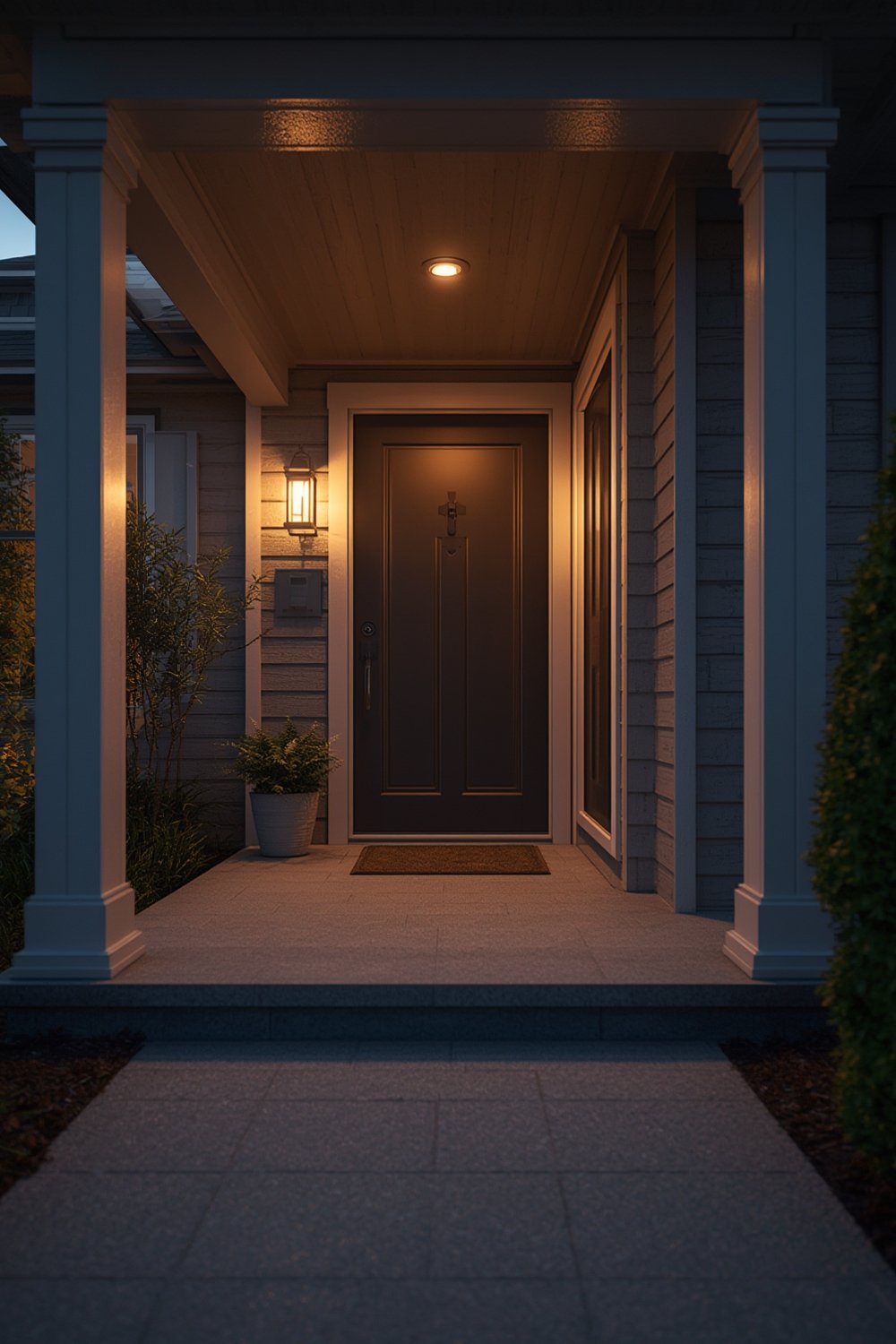
These devices are increasingly part of broader aging in place modifications which prioritize remaining in your own home. In fact, 84% of older Americans make aging in place safety a top priority for 2025, yet only 46% feel ready to make these home improvements. That gap means a straightforward option—like a wireless doorbell camera—can make someone feel secure and independent without remodeling the whole house.
Besides increasing confidence, video doorbells fit into overall home security upgrades alongside smart lighting for night safety, bathroom accessibility to prevent falls, or simple porch improvements for better entry visibility.
Step-by-step smart doorbell setup (clear DIY workflow)
Getting your smart doorbell setup right the first time will save you time, troubleshooting, and headaches. Here’s a sequence you can actually follow—plus real-world advice for getting it done on your own or with a family member’s help.
- Check Wi‑Fi strength and compatibility: Use your phone at the install spot—signal should stay at least two bars. If not, budget for a mesh system or Wi‑Fi extender.
- Decide between wired vs. battery-powered: If your current chime is mechanical and you’re comfortable with basic wiring (or have a helper), wired provides reliability and “no battery anxiety.” Otherwise, pick a battery model (simpler for renters or concrete/brick homes).
- Review included accessories: Some kits lack angled wedges, mounting plates, or chime adapters—double check before starting. If you plan to use an existing mechanical chime, make sure your model is officially compatible.
- Physical installation: Use included templates to mark holes. Pre-drill if needed (especially brick or stone). Mount flush for the best video quality, or use a angled wedges if your door faces an odd direction.
- Power up and pair the device: Open the doorbell app, create your account, and follow prompts to pair—the process usually involves scanning a QR code and syncing to your Wi‑Fi.
- Set privacy and notification settings: Adjust “activity zones” so you’re alerted for people at the steps—not cars or waving trees. For older adults, set loud/large push alerts and make sure caregivers can access the app for emergencies.
- Test and refine: Have someone walk up as you monitor the feed. Adjust the angle, chime volume, or push alert sound as needed. Repeat until it feels reliable.
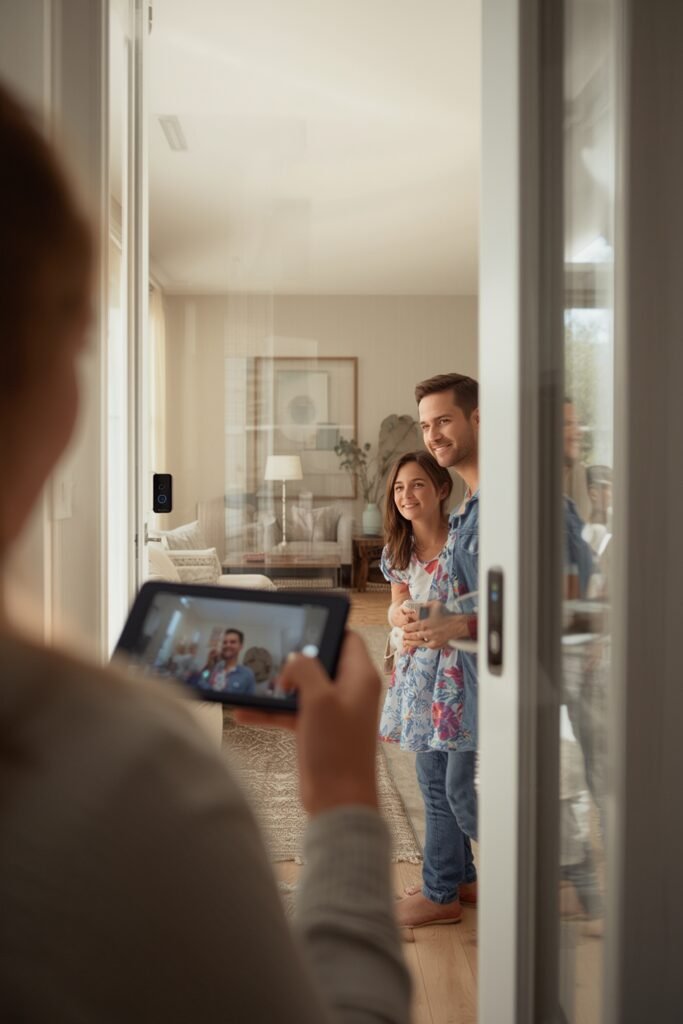
Nearly half of older homeowners estimate spending over $20,000 to fully prepare their homes for aging in place. Compared to that, an entry-level wireless doorbell camera with pro installation is a cost-effective first upgrade—especially for those who want a project that can be done in an afternoon, not a multi-day remodel.
Still feel uncertain? Only 46% of older Americans say they’re ready to update their homes with safety modifications—so it’s completely normal to want a simple, confidence-building guide or to call a pro if you run into something confusing.
Common technical challenges and real fixes
Video doorbell installation is marketed as “easy for everyone,” but real-world users face these recurring issues—especially in older houses or locations with spotty Wi‑Fi. Not all tech headaches are DIY-fixable; sometimes a quick professional visit (about $75 to $150) pays for itself in avoided frustration.
| Technical Challenge | What Usually Goes Wrong | Real Fix |
|---|---|---|
| Weak Wi‑Fi / Lost Connection | Poor signal, delayed alerts, feeds won’t load | Use mesh Wi‑Fi or install a range extender; adjust router location to reduce wall/floor obstacles |
| Mechanical Chime Not Compatible | Chime hums, doesn’t ring, or device won’t power on | Buy official chime adapter or switch to battery model; check compatibility online before buying |
| Rapid Battery Drain | Battery lasts less than a month, especially in cold climates | Lower motion zone sensitivity and minimize live viewing; bring the device inside during long freezes |
| False Motion Alerts | Constant phone buzzing from passing cars/shadows | Use software zones, reduce sensitivity, face device away from sidewalk traffic |
| App Pairing Fails | Doorbell won’t connect to account/Wi‑Fi | Check 2.4GHz vs 5GHz support, retry app steps, update phone OS and device firmware |
Some installers report that user complaints about accessibility or technical support are underreported—there’s no single public list of major pitfalls for smart doorbell setup. That’s why it’s smart to ask about Wi‑Fi mapping, test the chime voltage (for wired models), and confirm return policies before making a purchase.
For a deeper dive into choosing features, cost breakdown, or how these devices fit into whole-home solutions, explore our full video doorbell installation guide or see smart home technology tips for additional device info.
Conclusion
Installing a video doorbell installation is a fast, practical step to boost home security, monitor package deliveries, and let older homeowners—plus those helping them—age in place with more confidence. Whether you handle your own video doorbell installation or hire a pro, the right prep and feature choices will pay off in daily peace of mind. Ready to get started? Price out a model that matches your needs, take the readiness quiz below, and decide if DIY fits your comfort and skill level. Then visit our complete installation and troubleshooting guide for all your next steps.
For overall safety and accessibility renovations, browse must-have aging in place upgrades, or see practical costs for bathroom accessibility features.
Don’t wait—your peace of mind starts at the front door.
FAQ
How much does professional video doorbell installation cost?
Costs range from $75–$150 for basic installation, plus $50–$250 for the device itself. Advanced features (wired power with chime adapters, angled mounts, cloud video plans) can raise that total. Always verify if accessories or monthly subscriptions are included.
Is a wireless doorbell camera good enough for seniors living alone?
Yes—if your Wi‑Fi is stable and notifications are loud/visible enough. Choose devices with large notifications, strong speaker volume, and share app access with family or caregivers for backup and emergency help.
Does video doorbell installation really stop package theft?
No industry-wide study proves package theft will drop, but many users report fewer problems and find real evidence for police if theft does occur. Pair your device with a prevent package theft or regular delivery alerts for the best results.
What features should older homeowners prioritize in a wireless doorbell camera?
Look for high-contrast video, wide field of view (150+ degrees recommended), adjustable alert tones, two-way audio, and easy-sharing with family/caregivers. Voice assistant compatibility (like Alexa) may further improve accessibility.
What happens if my Wi‑Fi goes out?
Most battery-powered models keep storing limited video locally, but you’ll lose live access and notifications until Wi‑Fi returns. Consider a wired or professional system with cellular backup in unreliable internet areas.