

Video doorbell installation is a smart home security upgrade that gives homeowners—especially those planning to age in place—an easy, effective way to screen visitors, prevent package theft, and boost peace of mind without a major renovation.
Key Takeaways
- Video doorbell installation is a low-disruption, high-value home security upgrade—ideal for seniors who want to age in place and for caregivers monitoring loved ones remotely.
- Deciding between DIY and professional installation hinges on comfort with electrical work, Wi-Fi reliability at your door, and your desire for simple, ongoing maintenance.
- Taking five minutes to test your networking and wiring can prevent the most common installation frustrations and help you budget realistically for the right model and support.
- Why a video doorbell is a priority home security upgrade for aging-in-place homeowners
- What a homeowner must decide first: DIY smart doorbell setup vs. professional Ring installation
- Choosing the right model: wired vs. wireless doorbell camera and other selection criteria
- Minimum networking and power readiness checklist before you start smart doorbell setup
- Step-by-step DIY installation flow (for common battery and wired models)
- Most frequent pain points & troubleshooting checklist homeowners report during setup
- Specific connectivity and installation problems seen in Ring installation reviews — what to watch for
- Real-world evidence on package theft prevention and what claims are supported
- Cost considerations: equipment, professional installation, and ongoing subscriptions — how to budget
- Post-install checklist and maintenance plan for long-term reliability
- When to hire a pro — scope, questions to ask, and how to vet bids
- Quick resources & appendix (checklist PDF, troubleshooting cheat-sheet, installer question list)
Why a video doorbell is a priority home security upgrade for aging-in-place homeowners
Aging in place means staying in the home you love—safely and independently—as years go by. Compared to large renovations, a video doorbell installation is a focused, smart home security upgrade. It lets you screen visitors from anywhere, store video clips for peace of mind, and handle missed packages or unwanted visitors—all with minimal disruption.
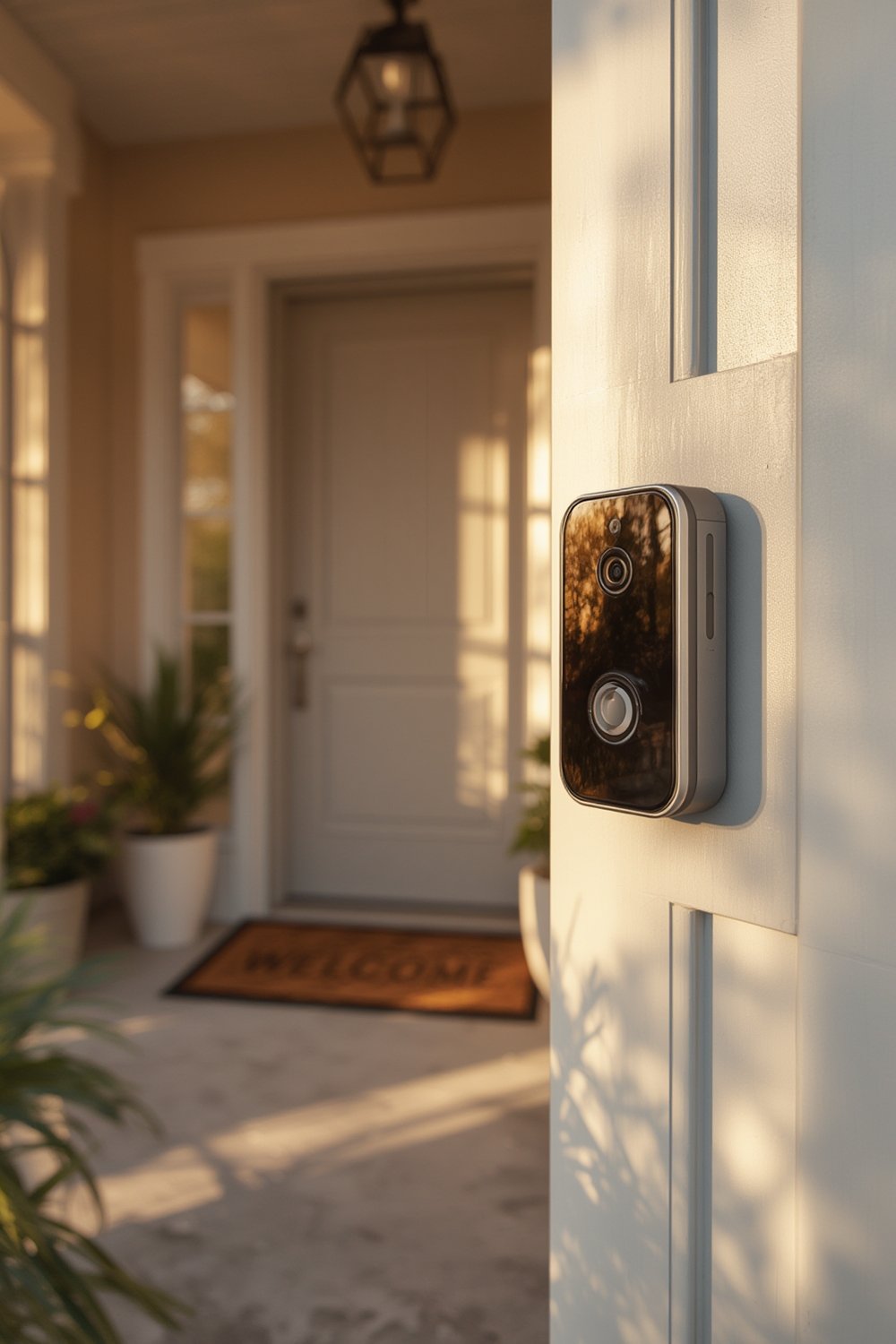
Surveys show this is a top concern: according to AARP, 75% of adults 50+ want to stay in their homes, and 84% of older Americans say aging in place is a priority.
For caregivers and adult children, these devices add remote monitoring to help check in safely with relatives—without the invasiveness of other home cameras. And for homeowners worried about package theft (a pain point mentioned in curb appeal upgrades), video doorbells offer a strong deterrent with real-time alerts.
Unlike full accessibility remodels—like grab bars or wheelchair ramps—a video doorbell installation is comparatively affordable, simple, and easy to reverse or upgrade as technology changes. If you value an upgrade that blends convenience, safety, and aging-in-place independence, a video doorbell is hard to match.
What a homeowner must decide first: DIY smart doorbell setup vs. professional Ring installation
Before you buy, decide: should you handle your own smart doorbell setup or hire a professional for Ring installation? Here’s how to think it through realistically.
- Comfort with tools and ladders: If you already swap out light fixtures or do basic repairs, many battery-powered video doorbells are approachable DIY projects.
- Existing doorbell wiring: If your home has visible doorbell wiring and a chime box, DIY setup is much faster. If you see no wires or are unsure, pro help is safer.
- Wi-Fi strength at your door: If you have “dead zones” or unreliable signal, expect headaches. Pros can add Wi-Fi strength at your door extenders or optimize placement.
- Mounting surface: Brick, stone, and metal present big challenges for DIYers—hiring a pro for these is wise.
- Warranty and liability: Professional Ring installation by a licensed pro may provide extra peace of mind if you’re worried about damaging siding or wiring.
- Time and stress: Consider how much you value a fast, “done-for-you” outcome versus learning as you go.
According to research, only 46% of older homeowners feel prepared for home updates. If you have any doubt about your tools, electrical comfort, or climbing on a step ladder, professional installation is the safer path.
Quick decision tree:
If you have existing wiring + good Wi-Fi + basic hand tools → try DIY.
If you’re unsure about wiring, want invisible cable runs, or need mounting into brick/concrete → hire a pro.
Choosing the right model: wired vs. wireless doorbell camera and other selection criteria
You’ll face a few big choices before purchase:
- Wireless doorbell camera (battery-powered): The easiest to install — great for renters or homes without existing wiring. Cons: needs battery changes every 3 to 12 months depending on model and usage.
- Wired video doorbell: Runs off your old doorbell’s wires, so the chime keeps working and you never change batteries. Cons: trickier DIY install, and if wiring is corroded, you need a pro.
Key features seniors and caregivers should prioritize:
- Wide field of view, with clear night vision
- Two-way audio for speaking to visitors (or deterring package thieves)
- Package-detection and smart motion zones to avoid false alerts
- App sharing so caregivers can monitor as needed
- Local or cloud video storage—beware monthly/annual subscription fees
Keep recurring costs in mind. Over half of homeowners cite maintenance and annual fees as financial barriers—cloud storage subscriptions often cost $30-$100 per year per device. Factor this in, especially if you are considering several cameras or devices.
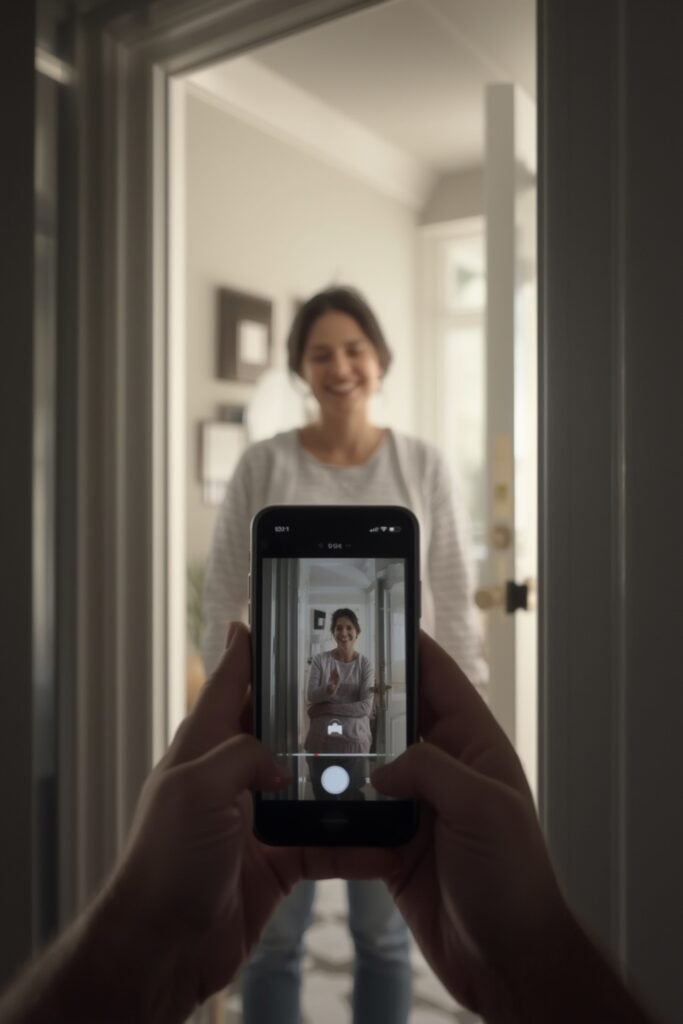
For those aging in place, battery maintenance and reliable notifications matter more than “flashy” features. If replacing batteries is difficult for you or your loved one, a wired model may be less hassle in the long run—even if installation costs a little more up front.
Minimum networking and power readiness checklist before you start smart doorbell setup
Don’t skip this step. Ensuring your entryway has strong Wi-Fi and power is the number one way to avoid installation frustration.
- Test signal strength: Use your phone to stand at the install spot. Use a free speed test app (like Speedtest by Ookla) and Wi-Fi analyzer to check download/upload speeds. You want at least 5 Mbps up/down for reliable video.
- Router placement: If speeds are weak, try moving your router closer to the door (or adding a mesh/extender like eero, TP-Link, or Netgear).
- Power check: For wired installs, inspect existing doorbell transformer (usually in your utility panel). If you don’t see one or it’s older than 15 years, hire a pro.
- Battery readiness: For wireless doorbell cameras, fully charge batteries before install. Check if your device has a spare swap-out battery option.
- Backup plan: Know how to access your door if Wi-Fi or power is out—don’t get locked out by tech.
Authoritative research did not provide minimum technical specs for wiring or networking—always run these simple tests at your home before buying.
If you want a detailed Wi-Fi prep list, see the full smart home technology installation guide.
Step-by-step DIY installation flow (for common battery and wired models)
For those ready to install a video doorbell on their own, here’s a simple sequence:
- Pick the ideal mounting height (usually 48-60 inches) and angle for your camera.
- Test Wi-Fi speed at the install spot. Don’t proceed if your phone or tablet barely loads video here.
- Before mounting, plug in and set up the device with your phone app. Confirm it pairs and streams video.
- Set up motion zones and privacy masking in the app to avoid false-perimeter triggers and respect neighboring homes.
- For wired models: turn off power at the breaker, disconnect old doorbell, and attach new wires as directed. For battery models: attach the mounting plate first.
- Secure all weather gaskets and covers—skipping this step causes device failures after the first rainstorm.
- Test your new chime and live stream at the door with someone outside.
- Adjust notification preferences and, if needed, add caregiver or family sharing for remote access.
Many homeowners feel underprepared for these tasks—that’s true for nearly half of those 50+. Caregivers can help by remotely guiding seniors through the install process or, if needed, recommending trusted pros.
Maximize the longevity of your system by scheduling quarterly battery checks (or chime tests for wired units) and updating app firmware as prompted.
If your install is part of a larger upgrade—like walk-in shower conversion or energy-efficient upgrades—coordinate projects to save on pro labor visits.
Most frequent pain points & troubleshooting checklist homeowners report during setup
Every smart doorbell setup comes with a handful of common problems, especially for older homes or those with thick exterior walls. Here’s what to expect, plus quick fixes and when to call a pro:
- Weak Wi-Fi at the doorway: Most common cause of lagging video or missed notifications. Fix: Install a Wi-Fi extender, move your router, or downgrade streaming resolution in the app.
-
Battery runs out too quickly: Cold weather and high-traffic areas drain batteries fast. Fix: Shorten clip lengths, disable unneeded features, or upgrade to a wired model.
Forgetting battery swaps is common—set scheduled reminders. - Device won’t pair with the app: If setup fails, try moving the device closer to your router during pairing, reset the device, or uninstall/reinstall the app. Some brands are picky about 2.4GHz vs. 5GHz Wi-Fi.
- Chime not working: For wired units, older mechanical chimes or incompatible transformers often require an upgrade kit or adapter, which are rarely advertised up front.
- Too many motion alerts (false positives): Direct sunlight, cars, or animals can trigger alerts. Adjust zone shapes, sensitivity, or consider a wedge/mounting adjustment.
- Privacy concerns: Neighbors may not want to be recorded. Set privacy masks and review local audio/video recording laws.
It’s not just tech—financial barriers and under-preparedness make setup harder for many. More than half cite the hassle and cost of maintenance as obstacles to upgrading (research report).
| Problem | DIY Fix | When to Call a Pro |
|---|---|---|
| No existing wiring, mounting into brick | Battery-powered model, adhesives | For secure/hidden cables and secure fixings |
| Transformer outdated or missing | Not recommended for DIY | Licensed electrician only |
| Persistent Wi-Fi dead spot | Add extender, reposition router | Pro mesh Wi-Fi setup |
For more troubleshooting help, download a printable cheat-sheet in our resources section.
Specific connectivity and installation problems seen in Ring installation reviews — what to watch for
When you read Ring installation reviews, homeowners mention a few recurring issues—though public research in 2024-2025 does not provide detailed negative review statistics for Ring specifically.
- Doorbell-to-base station (Chime) issues: Sometimes the internal chime stops working after install—usually a wiring or transformer incompatibility.
- Subscription required for cloud video: You may lose motion-activated recording if you don’t pay monthly/annually, which can be a frustrating “surprise” for new owners.
- App integration with smart home hubs: Not all Ring features work with Google Home or Apple HomeKit—check compatibility before purchase.
- Installer competence and warranty: Always ask for proof of insurance and whether your installer registers the warranty under your name.
Due diligence is key: read recent customer feedback and verify that your installer is authorized for Ring installation (when in doubt, ask for documentation and check with your local consumer protection agency).
If you encounter these issues after install, Ring offers live support chat—but pro troubleshooting may still be needed, especially for wiring or transformer swap-outs.
Real-world evidence on package theft prevention and what claims are supported
Many homeowners install wireless doorbell cameras specifically for package theft prevention. These devices do offer three proven benefits:
- Deterrence effect: Visible cameras reduce the likelihood of theft, according to burglary prevention research in similar contexts.
- Immediate alerts: You get notified the moment someone approaches your door, allowing you (or a neighbor) to respond quickly.
- Video evidence for recovery: Clear footage can speed up police reports or insurance claims if theft does occur.
However, research did not locate up-to-date, before-and-after stats showing video doorbell installation directly prevents package theft—most “success stories” come from vendor case studies rather than independent studies. Approach big claims (like “stops 99% of thefts”) with skepticism.
If package security is your top goal, consider additional strategies like secure drop boxes or delivery lockers, in addition to your smart doorbell.
Cost considerations: equipment, professional installation, and ongoing subscriptions — how to budget
Budgeting for video doorbell installation requires seeing all possible costs:
- DIY battery doorbell: $80-$200 for hardware, optional chime at $30-$60. No labor costs, but time and possible cosmetic touch-ups if you move/remount.
- Wired doorbell with pro install: $100-$250 for hardware, $120-$300+ for labor (higher for brick or complex runs). Chime adapters and transformer swaps may add $40-$100.
- Subscription/cloud plan: $30-$100/year (per device) for video clip storage and advanced alerts. Some require activation for full mobile access.
- Wi-Fi extender/mesh: $40-$200 if needed for reliable streaming to the door.
Research did not yield 2024-2025 average prices, so request detailed, itemized quotes for both hardware and labor before purchase.
Expect higher returns if your video doorbell lets you avoid missed packages, excessive in-person visits from caregivers, or reduce security stress.
Compare total lifetime costs (device + install + five-year subscription) across brands—don’t go purely by upfront price.
Get creative: sometimes you can combine projects (adding smart lighting or ventilation upgrades) for volume discounts from local installers.
Post-install checklist and maintenance plan for long-term reliability
Once your smart doorbell setup is live, simple, recurring checks keep it reliable:
- Battery model: Set a reminder to charge or swap batteries every 2-6 months (more often in extreme cold or high-traffic areas).
- Wired model: Test the chime and device every season and after major storms.
- App & firmware: Accept automatic updates to patch security bugs and improve performance.
- Motion zones and sharing: Review zones quarterly, update shared access for caregivers or family as needed.
- Legal compliance: Know local rules on recording audio (in some states, both parties must consent) and respect neighbor privacy with app masking features.
- Backup plans: Always have a backup way to reach your door or allow for manual entry during outages.
A simple routine can save you from unexpected outages and expensive pro service calls. Given that only 46% of older homeowners feel prepared for home updates, having a maintenance plan increases device longevity and self-sufficiency. Adapt this checklist for other upgrades—see bathroom accessibility features for more ideas.
When to hire a pro — scope, questions to ask, and how to vet bids
You should strongly consider hiring a professional for Ring installation or any smart doorbell setup if:
- You lack wiring at the door and don’t want to rely on batteries forever
- Your exterior is stone, brick, or metal
- You want cables fully concealed for looks or safety
- You have ADA/accessibility needs or limited mobility
- You want a multi-device, multi-camera setup or integration with other smart systems
Here’s a simple vetting checklist:
- Ask for proof of current license, insurance, and workers’ compensation coverage
- Request past customer references specific to smart home security installations
- Get an itemized, written bid (hardware, mounting, wiring, setup tutorial, warranty registration)
- Ask what happens if issues arise—do they offer a labor warranty?
- Check whether they are an authorized installer for your device brand
Given financial and confidence barriers—53% cite costs, only 46% feel prepared—don’t hesitate to choose professional help. Sometimes peace of mind is worth the extra investment.
Quick resources & appendix (checklist PDF, troubleshooting cheat-sheet, installer question list)
To make your video doorbell installation even easier, here are targeted, print-ready downloads and quicklists:
- Pre-install Wi-Fi test checklist: Download a printable one-page guide to ensure your home is ready (signal, speed, passwords, app accounts).
- Installer questions: Print our list to take with you when comparing local bids, or reference during calls.
- DIY troubleshooting cheat-sheet: Step-through flowchart for the most common setup, pairing, and mounting problems.
You can find these linked in our complete smart home installation guide along with more resources for caregivers and adult children assisting with upgrades.
Given that 75% of those 50+ wish to age at home, these easy resources empower both seniors and family members to stay independent longer with less stress.
Conclusion
A smart, safe, and accessible entry starts with a quality video doorbell installation. Whether you’re preparing to age in place, supporting a loved one, or just want to stop package theft, the right planning makes the process straightforward. Take the time to check your Wi-Fi, weigh DIY versus pro options, and bookmark troubleshooting help in advance.
If you’re ready to upgrade your security or want a quote for professional video doorbell installation, start today—minor decisions now can add comfort and confidence for years to come.
FAQ: Video Doorbell Installation
Can I install a video doorbell if my house has no existing doorbell wiring?
Yes. Choose a wireless (battery-powered) doorbell camera. These models are designed for easy DIY install on any surface. Just be sure to schedule periodic battery checks, as maintenance is a bit higher than wired models.
Will a video doorbell work with an older mechanical chime?
Some video doorbells work with older chimes, but many require a chime adapter kit. Check your model’s compatibility chart or ask your installer before purchase. If not compatible, you can use a plug-in chime or rely on app notifications.
What’s the average life of a video doorbell battery?
Battery life varies by model and usage, but most last 3 to 12 months per charge. Cold weather, frequent motion alerts, and high-resolution video all reduce battery runtime. Always charge fully before install and keep a spare battery on hand if possible.
Can a video doorbell actually stop package theft?
Video doorbells are effective deterrents and provide instant alerts and evidence, but no solution prevents theft completely. Combine your doorbell with secure deliveries, motion lighting, or delivery lockers for best results.
Should I choose DIY or professional video doorbell installation?
If you’re comfortable with basic hand tools and your home has good Wi-Fi and doorbell wiring, DIY is usually practical. For brick exteriors, complex wiring, or if you don’t want to risk damage, hiring a pro offers convenience and reliability.
—