

Home office ergonomics isn’t just a wellness buzzword—it’s a practical investment with real payback for homeowners who want serious comfort and productivity without outrageous overhaul costs. Here’s your direct, action-focused roadmap to a safer, more productive ergonomic home workspace—grounded in real product specs, market realities, and step-by-step guidance anyone can follow.
Key Takeaways
- Most discomfort in home offices comes from poor equipment selection, sizing, and cable clutter, not just bad posture—and all are fixable with the right setup.
- Ergonomic upgrades can be phased and budgeted realistically—midrange office chair selection and standing desk setup often costs less than anticipated, especially with secondhand options.
- Technical specs and clear installation guidance are critical; missing them leads to expensive mistakes or wasted ROI on the wrong gear.
- Why Invest in Home Office Ergonomics Now
- Step-by-Step Guide to a Comfortable Ergonomic Home Workspace
- Advanced Analysis & Common Pitfalls in Home Office Ergonomics
- Conclusion & Next Steps
- Frequently Asked Questions
Why Invest in Home Office Ergonomics Now
Remote and hybrid work has made home office ergonomics a priority. The same reasons driving demand for aging in place modifications—comfort, safety, and control—fuel the need for an ergonomic home workspace. In 2025, 84% of older Americans prioritize aging at home, with 58% saying it’s extremely important. This signals a broader trend: homeowners are ready to invest in spaces that support health, independence, and productivity.
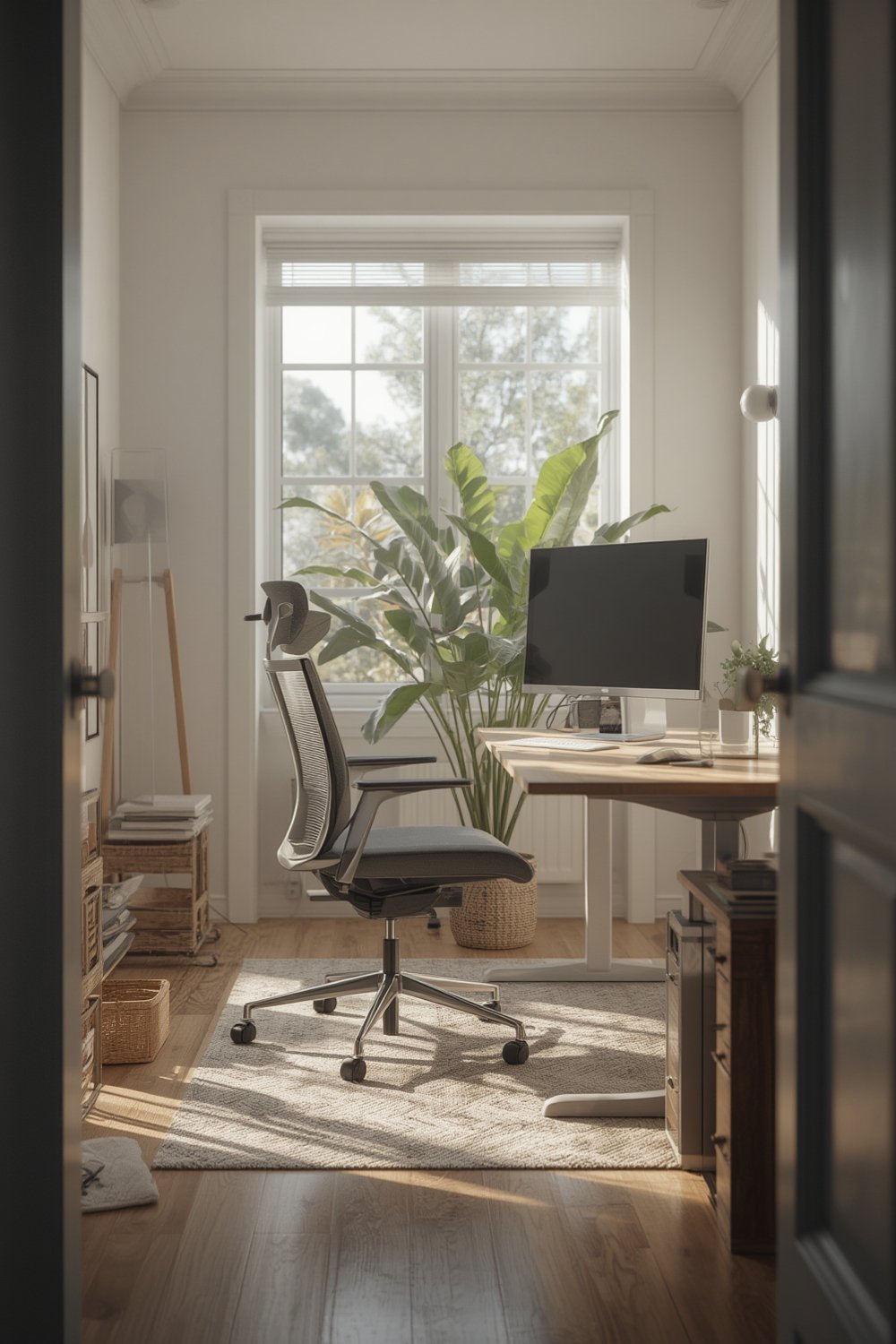
Like upgrades to durable waterproof flooring, ergonomic home offices are now seen as essential home improvements, not luxury add-ons. Comfortable setups yield clear returns—reduced fatigue, fewer injuries, and higher daily productivity. Given increasing rates of working from home and a growing interest in nature-inspired or biophilic design, treating ergonomic upgrades as part of a holistic living environment is both practical and future-ready.
Step-by-Step Guide to a Comfortable Ergonomic Home Workspace
The quickest path to a productive, pain-free home office is prioritizing fixes that blend comfort, simplicity, and smart spending. Here’s a phased approach to achieve a standing desk setup, ideal office chair selection, cable management, and monitor arm installation without stress.
- Upgrade your chair first: Begin with office chair selection. Your chair must support your lower back, allow feet to rest flat, and enable both height and armrest adjustment. Used, certified ergonomic chairs can be found for $150–$400. New, highly adjustable chairs range $350–$1,200. Look for models with seat height (16-21”), at least 2” adjustable lumbar support, and adjustable seat depth.
- Set up desk and monitor(s): For a standing desk setup, check the desk’s height range (min. 24”, max. 49”) and weight capacity (at least 80–120 lbs). If a new desk isn’t feasible, a standing desk converter ($100–$300) is an upgrade over fixed surfaces. Install a monitor arm (confirm VESA mount compatibility and monitor weight—most support up to 17.6 lbs) to position the screen so the top edge is at or just below eye level. (Monitor arms cost $35–$250.)
- Manage cables and clutter: Low-voltage cable sleeves ($10) or adhesive cable clips ($8/pack) keep wires off the floor and out of trip zones. For more thorough cable management, a simple under-desk tray ($15–$25) adds safety and makes cleaning faster. Secure power strips higher up to prevent dust and avoid shorts.
- Adjust lighting and workflow: Use a desk lamp with adjustable brightness and position it opposite your mouse hand to cut shadows. Consider smart lighting options ($30+) if your work hours shift or for energy savings.
- Quick win upgrades: Switch to a full-size keyboard and mouse placed at elbow height. Use a footrest (or a stack of books) if your feet don’t reach the floor.

For more advanced yet practical advice, see multi-functional home spaces for office nooks, or tips from soundproofing solutions if household noise is an issue.
Advanced Analysis & Common Pitfalls in Home Office Ergonomics
Most remote workers know they want ergonomic upgrades—yet surveys show aspiration far outpaces adoption: 77–84% say they value better setups, but only 46% feel ready to make home modifications. Here’s why problems persist:
- Cost hesitation: Nearly half expect upgrades to cost over $20,000 (mirroring aging in place perceptions), though essential gear typically totals $450–$2,000 when phased.
- Lack of clear specs: Retailers often skip technical details. For example, monitor arms must state VESA and weight specs; many don’t. Office chairs may list “lumbar support” without depth/height adjustments. General home-mod survey data lacks these details entirely.
- Delayed action: Many intend upgrades but delay due to uncertainty about installation difficulty, measurement, and compatibility with existing furniture.
- Underestimating cable management: Cable mess causes more than distraction. Falls are the top injury for adults 65+, costing $50 billion annually. Cluttered cords create real trip risks and increase device wear due to dust and poor airflow. Prevention (grab bars, barrier-free spaces, effective cable management) can reduce fall risk by 38% (source).
| Upgrade | Low-Range | Mid-Range | High-Range | Key Specs to Check |
|---|---|---|---|---|
| Standing Desk Setup | $120 (Manual crank or used electric) |
$300–$600 (New electric adjustable) |
$900–$1500 (Premium wood, app control) |
Height range (24–49”), weight capacity, depth (min. 24”) |
| Office Chair Selection | $60–$150 (Basic, no lumbar adj.) |
$350–$700 (Used/entry ergonomic) |
$1100–$1500 (Flagship, multi-adjust) |
Seat height (16–21”), back height, lumbar adj., seat depth |
| Monitor Arm Installation | $35–$60 (Single monitor) |
$70–$150 (Dual/flexible reach) |
$200–$250 (Advanced articulation) |
VESA compatibility (75×75, 100×100), monitor weight, desk clamp width |
| Cable Management | $10–$25 (Clips, sleeves) |
$35–$50 (Trays, power boxes) |
$75–$200 (Custom, underfloor) |
Fire rating, mounting type (adhesive vs. screw), load rating |
Consider used or open-box gear (e.g., chairs from liquidations or standing desks from local classifieds) for huge mid-range savings. Professional installation is rarely needed unless wiring or heavy custom work is involved, but if unsure, consult a licensed contractor or occupational therapist.
For more on phased investments similar to energy-efficient home upgrades or making your space multi-functional, explore BrightenRoom guides to reduce overwhelm and boost project completion rates.
Conclusion & Next Steps
Home office ergonomics is not an abstract “nice-to-have” but a directly attainable, ROI-driven improvement. Smart office chair selection, standing desk setup, and cable management transform how you feel—and work—at home. Don’t let blank specs, cable clutter, or cost myths delay your progress. Take the phased action plan above, and revisit this resource or other multi-functional home spaces topics for the next win. Prioritize your comfort, your productivity, and your health. Ready to upgrade your home office ergonomics? Start with just one change tonight and build from there.
Frequently Asked Questions
What are the absolute must-have features in an ergonomic office chair?
Look for height adjustment, adjustable lumbar support, depth-adjustable seat pan, and adjustable armrests. Try before buying, or check review measurements versus your body size. Used higher-end chairs often offer better support than new budget models.
Can I really install a standing desk or monitor arm myself?
Yes, most people can. Standing desks typically need two people for assembly due to weight. Monitor arms require only a screwdriver (for clamp or grommet). Always follow the manufacturer’s weight and compatibility guidelines.
What’s the cheapest way to improve home office ergonomics immediately?
Raise your monitor to eye level (stack books or buy a riser), add a supportive pillow for your lower back, and organize cables with available clips or zip ties. These quick fixes cost under $20 total.
How does cable management improve safety and device survival?
Cable management reduces trip risks—critical for anyone over 65 or with kids/pets—and limits dust buildup and snags that wear out equipment. Clean, routed cables also make it much easier to keep your workspace tidy and organized.
Should I DIY my ergonomic furniture or buy certified pieces?
DIY is fine for small fixes and short-term needs (like monitor risers or footrests). For daily, long-term use, invest in certified ergonomic chairs and desks. The right gear often pays for itself in healthcare savings and increased working comfort.